
Phishing Protection Software: 10 Options for Shared WiFi
Compare 10 phishing protection software options for guest, public, and shared WiFi, with pricing signals, trial details, and honest limits for each.
Published October 25, 2026
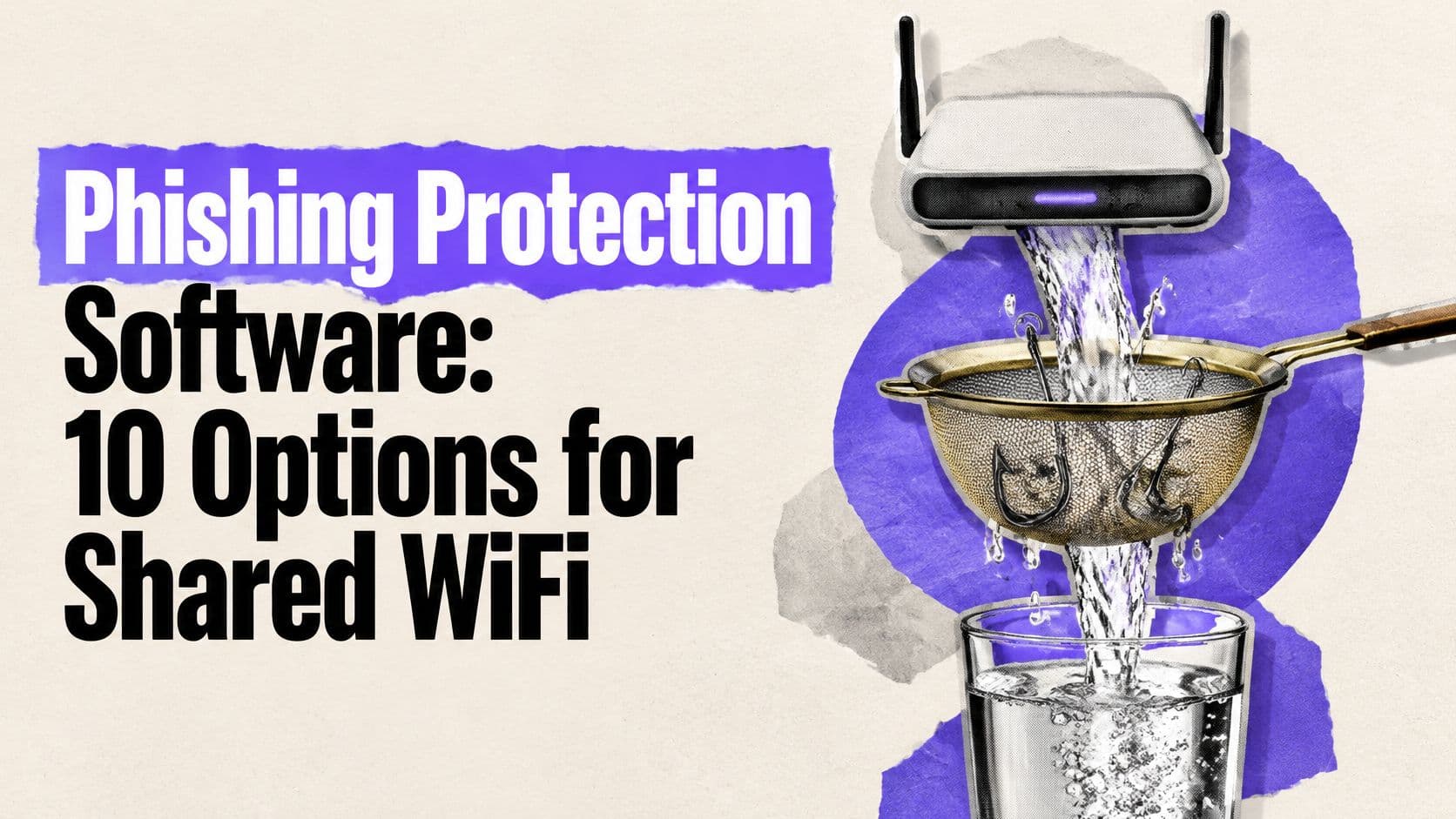
A visitor joins your venue's WiFi on an unpatched cell phone and taps a phishing link before the captive portal page has finished loading. No agent sits on that device, and it will never appear in your management tools. DNS-layer phishing protection checks the domain lookup before the connection starts, so it covers hardware that endpoint software never touches.
Ten tools, judged on whether they can protect devices you cannot manage. They fall into three groups: venue and guest-first services, small-network and family filters, and enterprise DNS or secure web gateway platforms. Each entry also states what the tool cannot catch, because DNS filtering ends where email and endpoint controls take over.
Table of Contents
- 1. Purple Shield
- 2. DNSFilter
- 3. Cisco Secure Access, DNS Defense
- 4. Cloudflare Gateway
- 5. ScoutDNS
- 6. WebTitan Cloud
- 7. CleanBrowsing
- 8. NextDNS Business
- 9. Zscaler DNS Security
- 10. Infoblox Threat Defense
- How the ten tools compare on pricing disclosure, trials, agent-free deployment and best fit
- Matching the Tool to Your Shared Network
1. Purple Shield
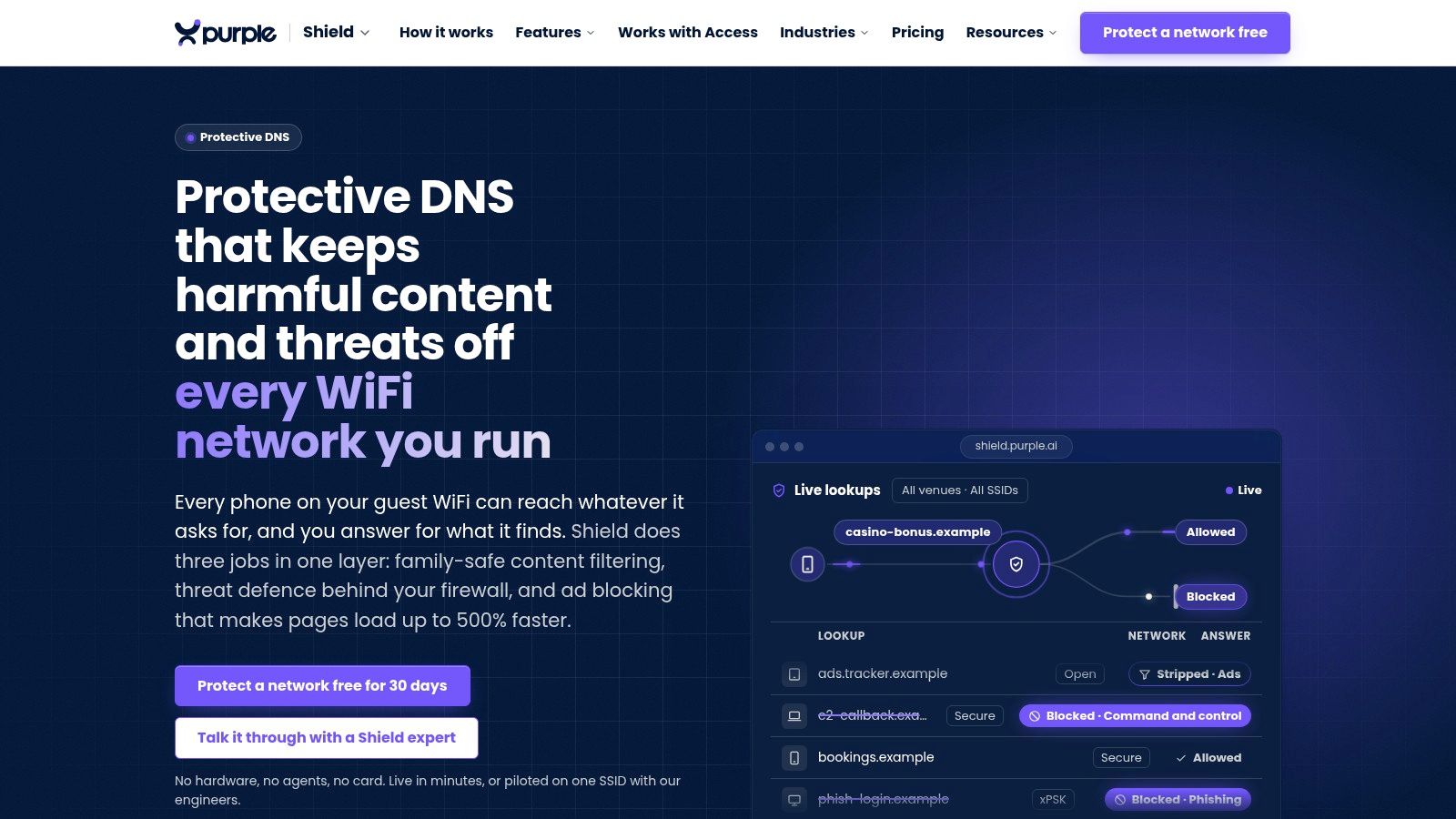
Purple Shield fits shared WiFi where the operator cannot put an agent on every phone, laptop or tablet. It is protective DNS and content filtering that can run standalone on any WiFi network or bolt onto Purple Access, with a policy for each network. At the lookup it blocks known phishing and malware domains and command-and-control callbacks, so the connection never starts. The service says it protects devices including iOS and Windows with no agent.
Practical rule: Test protection on the live guest network, not only on a managed employee device. Guest coverage depends on the network being configured to use the service.
For venues, the useful control is separation and reporting: staff and guest networks can stay apart in offices, city halls, libraries, airports and public spaces can set policy per site and per network, and allow or block lists can be set per venue. One dashboard shows blocked URLs, threat analysis and usage, and healthcare sites can apply threat defense on patient and visitor WiFi. Whitbread Hospitality uses it to protect hotel guest WiFi, and the filtering is stated to meet the Friendly WiFi and Internet Watch Foundation standards.
Purple says its ad blocking strips ads, trackers and bloatware at the DNS layer so they never load, with pages arriving up to 500% faster; it also cites 44% less data used, 62% fewer DNS queries and a 20 to 40% reduction in web traffic across a property, plus AI detection that flags new threats up to 10 days before standard blocklists list them. Treat those as vendor claims and verify them in a trial: the 30-day free trial needs no hardware, no agents and no card.
The limit is still DNS scope. It will not read email, stop a user typing credentials into an allowed page, follow a device onto cell service, or catch lookups that bypass your resolver through hardcoded DNS, VPNs or encrypted DNS you do not control. Check current terms on the Purple Shield site.
2. DNSFilter
An MSP running guest WiFi across dozens of small sites cannot install agents on visitor phones. DNSFilter fits that situation: cloud-delivered DNS protection that blocks phishing, malware, and botnet domains at the lookup for any device on the configured network. Schools and managed service providers are its core audience.
DNSFilter lists Core at $1.00 per license per month and Plus at $2.25 per license per month on annual billing on its published pricing page, at time of writing. Plan minimums apply, so confirm current prices and terms before quoting a client or sizing a rollout. A free trial is available, and the dashboard includes reporting plus multi-tenant management for MSPs.
Deployment covers network and relay configurations alongside roaming clients for Windows and macOS. The roaming clients are the trade-off: laptops that leave the network need software installed, which puts you back in agent territory. DNS filtering also does not inspect page content or email, so a phishing link hosted on a legitimate domain can still reach the user. For the mechanics behind this control, see how DNS filtering works.
3. Cisco Secure Access, DNS Defense
Cisco Secure Access DNS Defense is a sensible candidate for organizations already working with Cisco security, networking, or identity products. The service blocks connections to malicious domains, including phishing destinations, before a user reaches them. Central policy management and Cisco threat intelligence can make it easier to add DNS protection alongside existing controls.
Cisco describes DNS Defense as the successor to its earlier Umbrella DNS offering. That history makes licensing and product naming worth checking carefully: confirm exactly which DNS capabilities, reporting features, and integrations are included in the current package. Public pricing wasn't identified in the reviewed product materials.
For a small venue that only needs a straightforward guest WiFi filter, the wider secure-access platform may be more than the job requires. For a Cisco-oriented organization, it may provide a lightweight DNS layer and a path to broader cloud security capabilities without treating guest WiFi as a separate security island. It still won't catch every phishing message or a malicious destination hosted on a legitimate domain.
Compare the scope with Cisco Secure Access and verify the current product bundle before purchase.
4. Cloudflare Gateway
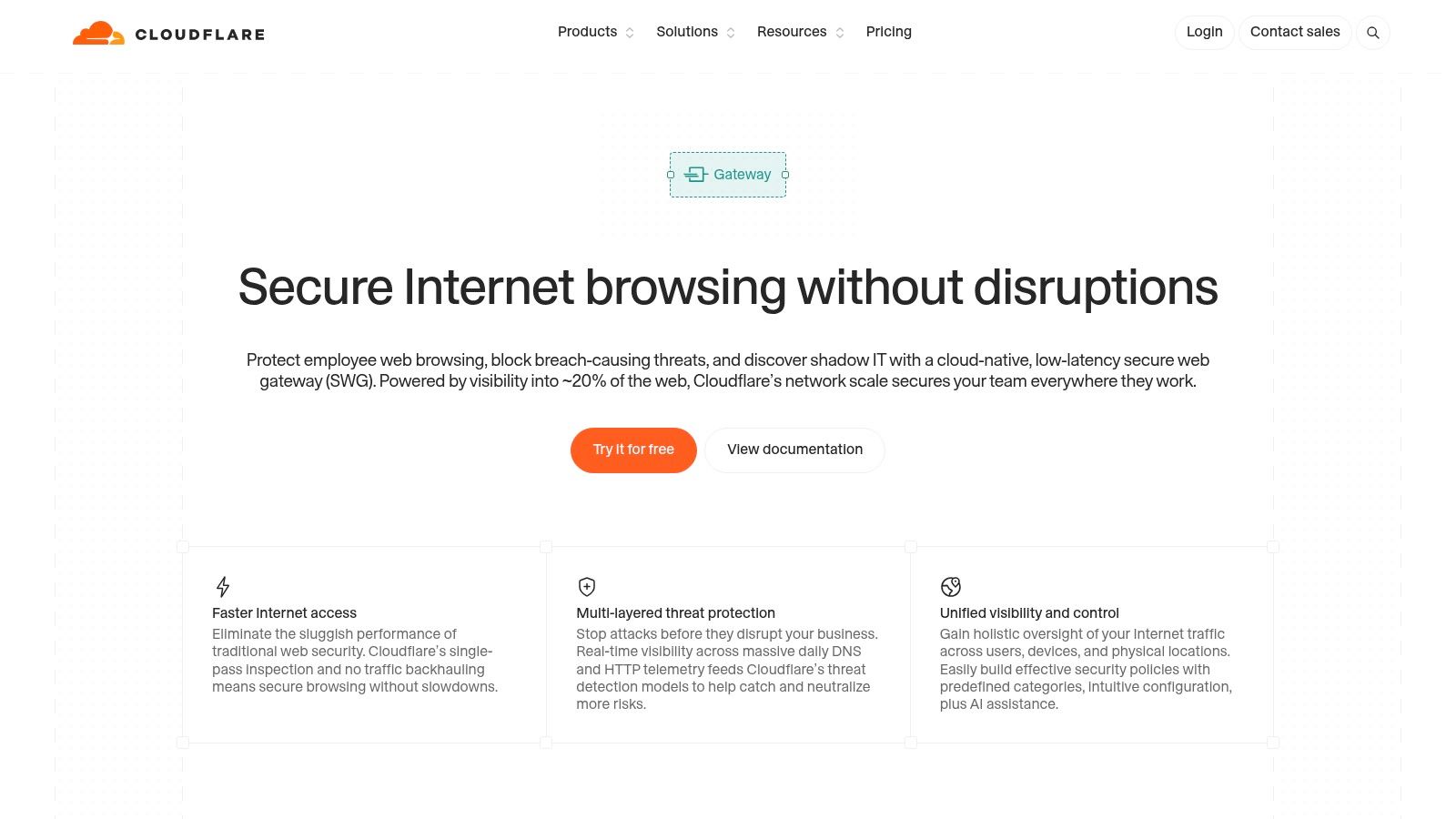
Cloudflare Gateway combines DNS filtering with broader secure web gateway controls. A network location can route DNS through Gateway using router configuration, which may protect devices without installing software on each visitor's cell phone or laptop. Organizations can also use Cloudflare's client for individual devices that need protection away from the network.
The platform can filter by security and content category, including phishing and ransomware. The supplied plan information lists free, pay-as-you-go, and custom-pricing options, but feature limits and current terms should be confirmed before rollout. A free plan can help with initial evaluation, though setup may take more effort than a guest-WiFi-specific service if the team isn't already familiar with Cloudflare Zero Trust.
Network deployment has practical wrinkles. Static DNS-location configurations can complicate captive portals, while third-party VPNs or filtering tools may affect whether a device uses the expected resolver. Test the complete visitor journey, including joining WiFi, passing the portal, and opening a site.
Gateway can extend beyond DNS into broader web controls, but DNS filtering alone can't inspect every message or page. Learn how the wider category differs in this overview of a secure web gateway, then review Cloudflare Gateway for current capabilities.
5. ScoutDNS
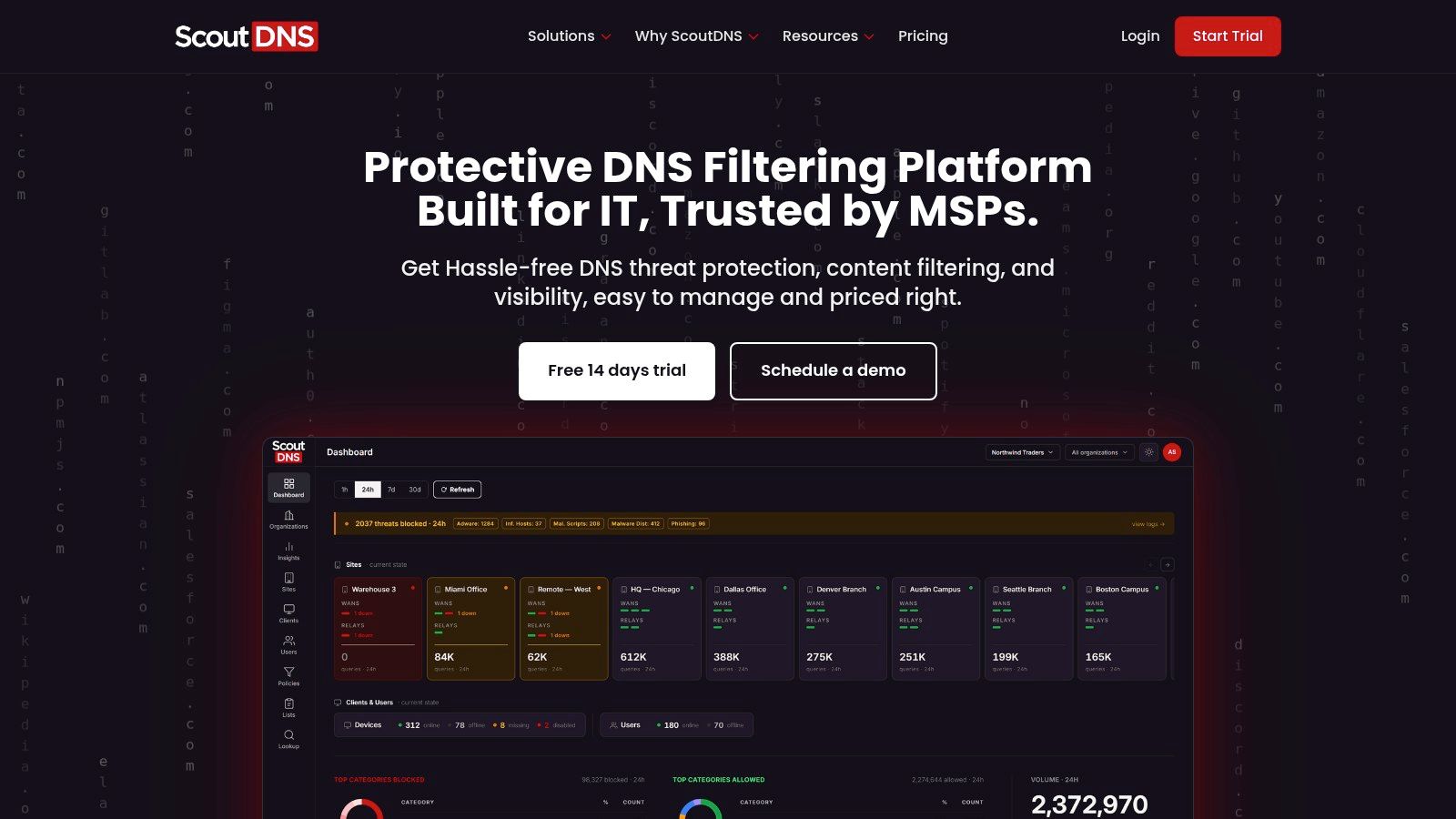
ScoutDNS targets commercial networks, education, nonprofits, and MSPs that want DNS threat protection and content filtering. Its Network Standard and Network Plus plans deploy at the resolver level, so any device using the configured DNS is filtered without software on the device itself. That suits shared networks where visitors' cell phones and laptops sit outside your management.
The service includes custom allow and block lists, encrypted DNS support, searchable query logs, and custom block pages. Higher tiers add a LAN relay, endpoint clients, identity-based policies, APIs, and SIEM export. Buyers can start with network-wide filtering and layer on per-user controls later if requirements grow.
One caveat on that upgrade path. On a pure resolver deployment, every guest gets the same policy and appears in logs as a query source rather than a named user. The features that tie blocks to individuals assume either managed endpoints or an identity layer visitors will not have, so evaluate ScoutDNS for open guest WiFi on what the network tiers alone deliver.
ScoutDNS publishes annual per-seat pricing and offers a 14-day trial without a credit card. Published numbers help with early budgeting, but the billing model is the decisive factor for public WiFi. Per-seat pricing assumes a stable, countable user base, and a venue handling a rotating crowd of visitors has neither. Confirm how a seat is counted on an unmanaged network before sizing a contract, and note that education pricing is not listed publicly.
6. WebTitan Cloud
WebTitan Cloud is a cloud-hosted DNS web-filtering service aimed at organizations and managed service providers. It combines security categories, including phishing and malware domains, with content controls for acceptable-use policies. Cloud hosting means operators don't need a filtering appliance at every site, which matters when you run several venues from one console.
That mix suits schools, businesses, and multi-site operators that want one service covering risky domains and general web rules. TitanHQ advertises a 14-day trial for WebTitan Cloud, long enough to test how policies behave on real traffic. Pricing is quote-only, so request one before comparing budgets.
For shared WiFi, test whether policy and reporting are granular enough for how your network is divided. Can you separate SSIDs or venues, see what was blocked, and pull records your operations team can use? A general web filter may not carry the guest-network controls a purpose-built service does. Confirm the specifics during the trial, not after rollout.
WebTitan Cloud stops at the lookup. It blocks phishing and malware domains it has already identified, while credential pages hosted on legitimate services and attacks arriving through channels other than the browser sit outside its reach. Run it alongside email security and endpoint controls rather than treating DNS filtering as full phishing coverage.
7. CleanBrowsing
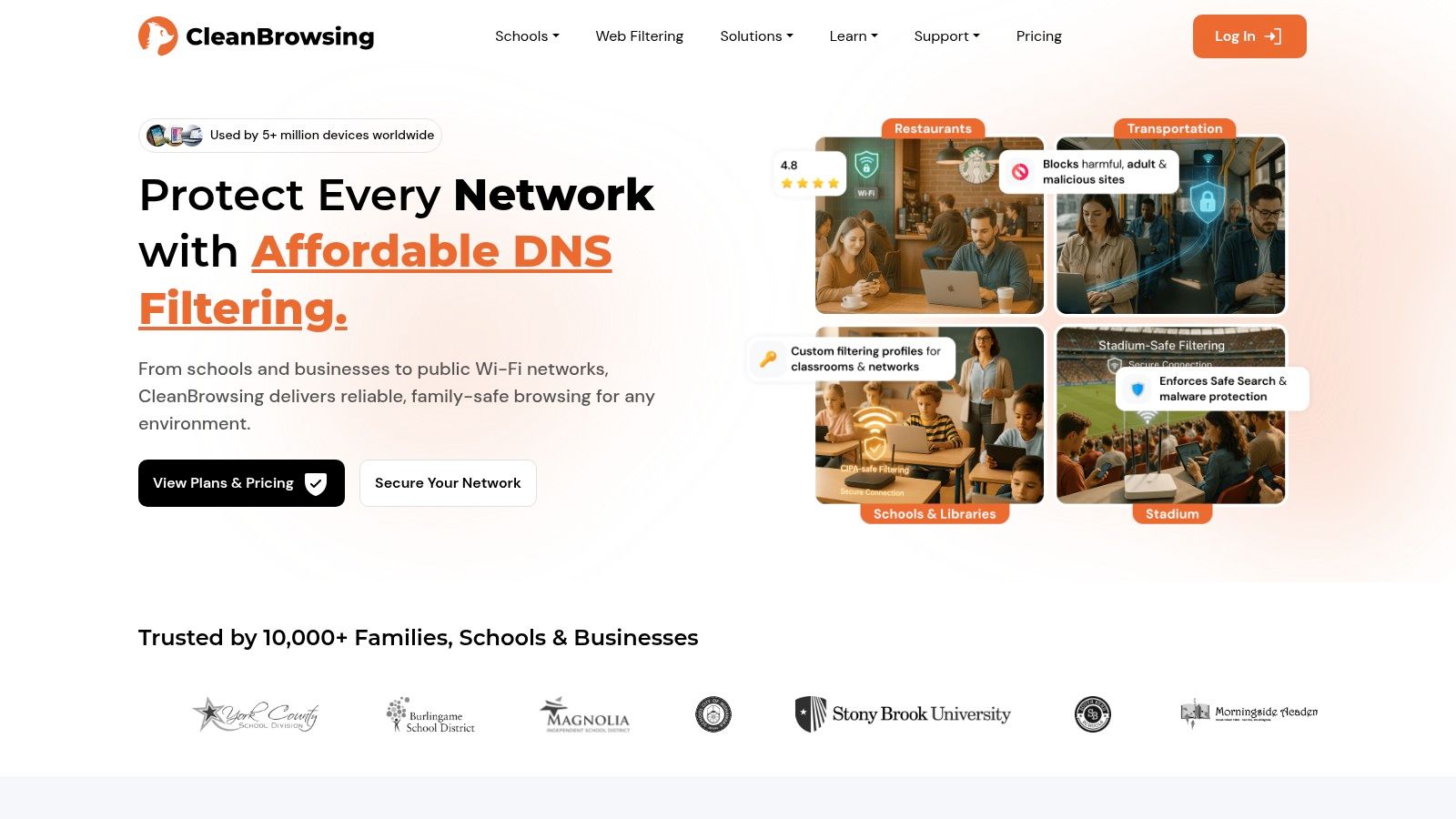
Router-level setup is where CleanBrowsing earns its place on this list. Point the network's DNS at its resolvers and every device that joins inherits the policy, with no app installed on visitor cell phones or laptops. The service is built for families, schools, libraries, and small organizations that want DNS filtering with content policies, and paid plans add profiles, custom allow and block rules, activity visibility, and category filtering.
It supports DNS-over-HTTPS, DNS-over-TLS, and DNSCrypt. Filtering covers phishing and malicious domains alongside content categories, while profiles let administrators apply different rules to different groups. Public plan information helps with budgeting, but the listed options on CleanBrowsing cover up to 50 or 100 devices, with larger deployments requiring a custom arrangement.
So the first question is how the service counts a device. Guest counts fluctuate on shared networks, and a plan capped per device can run out of headroom fast when hundreds of visitors rotate through a venue each week. Confirm whether pricing follows devices, networks, or query volume before treating the listed figure as your real cost. The self-service plans don't include a trial, and support is primarily email-based, so teams that want guided testing before deployment get little of it.
On coverage: CleanBrowsing can't tell a phishing login page on a trusted host from a safe one, since both resolve through legitimate infrastructure. Email security and endpoint controls have to cover that gap.
8. NextDNS Business
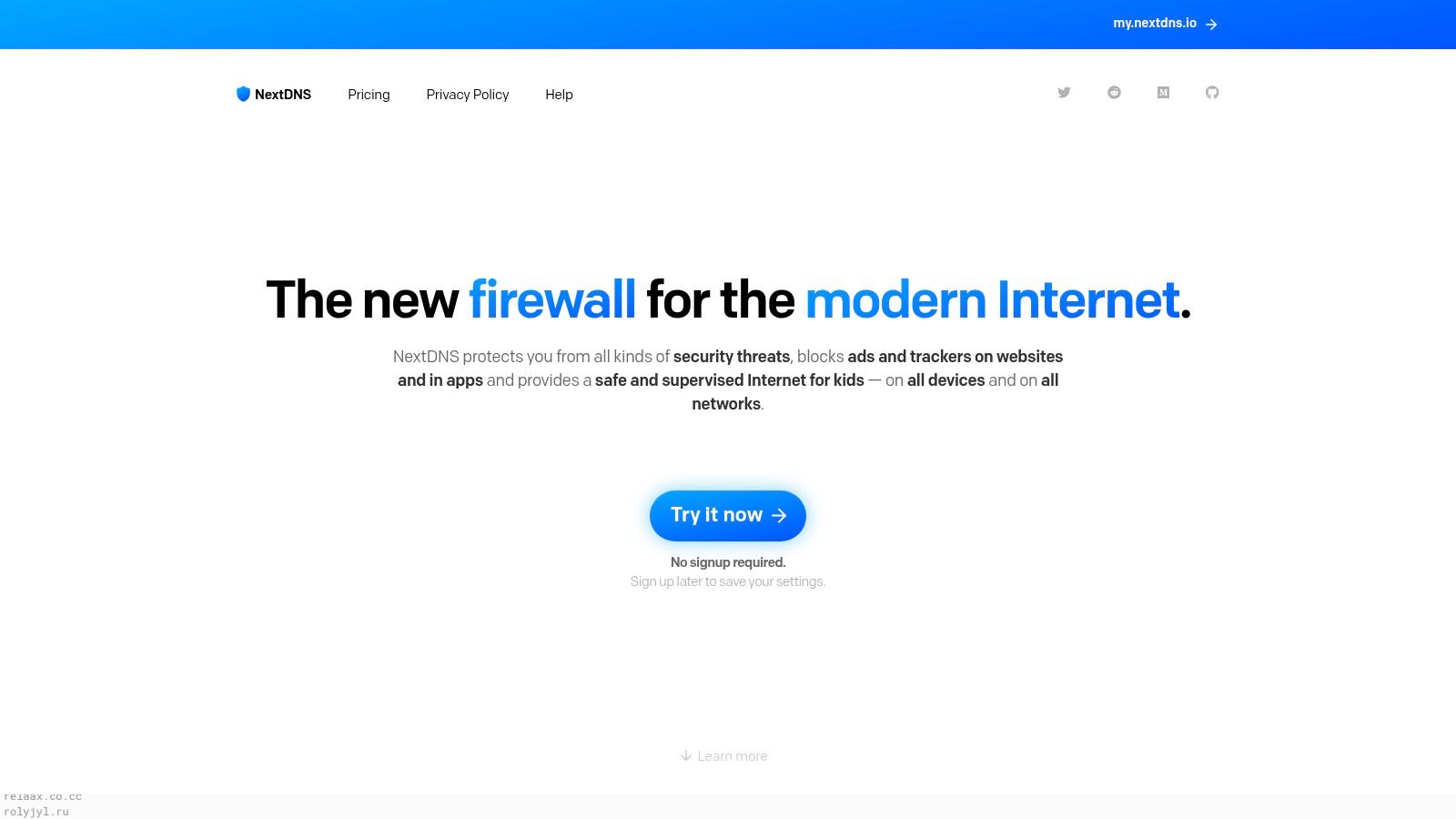
NextDNS Business offers configurable DNS filtering for businesses and education, with separate configurations that can support different networks or groups. It can be deployed through device settings or network DNS configuration, making it possible to apply policies without installing an app on every device connected to a configured network.
NextDNS lists unlimited queries, devices, and configurations on paid plans, with public pricing and email support. Multiple configurations can help a small organization separate policies by location or user group. Business pricing is based on employee bands, however, which may not reflect a venue's guest WiFi population. Buyers should check how that model applies before treating the listed price as a suitable estimate for visitor traffic.
The service can work well for a technically comfortable small team that wants hands-on control of DNS settings. It may require more administration than a managed enterprise platform, and reporting, support, and account controls should be tested against operational needs. If your staff need evidence for an auditor or a clear venue-by-venue view, verify that the available reporting is enough.
NextDNS Business is a DNS control, not a mail gateway or endpoint product. It can block known malicious domains at lookup, but won't catch every message or every attack using legitimate infrastructure. Review the current options at NextDNS.
9. Zscaler DNS Security
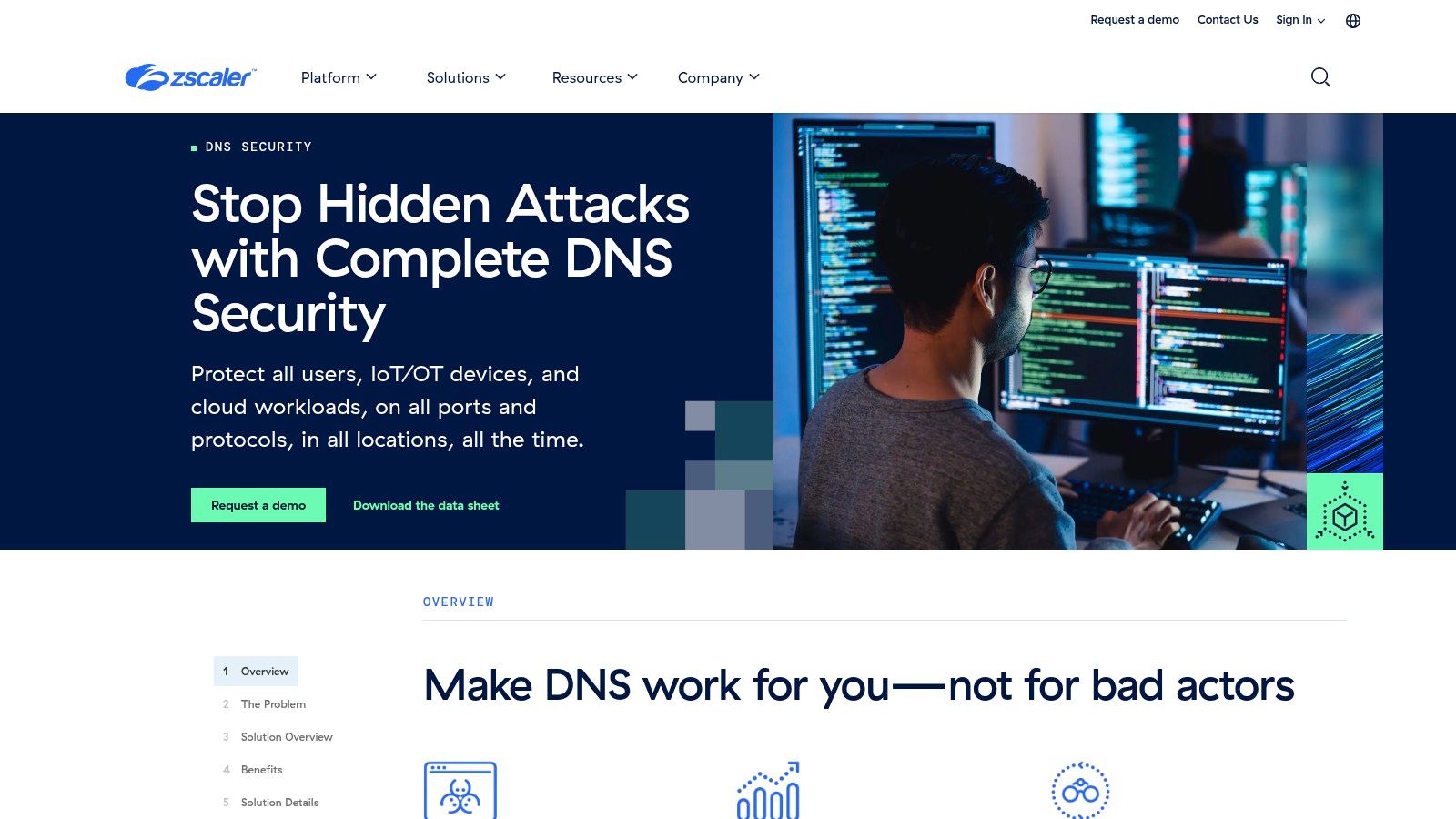
Zscaler DNS Security is part of a broader cloud security platform, rather than a simple standalone filter for a small venue. It filters malicious domains, including phishing destinations, and includes controls for DNS tunneling and encrypted DNS threats. Zscaler also describes context-rich DNS logging and visibility for security teams.
That broader scope may suit distributed organizations already evaluating Zscaler's zero-trust or secure web gateway capabilities. Cloud delivery avoids requiring an on-premises DNS appliance, and the platform is designed to support distributed users, devices, and workloads. The question for guest WiFi operators is whether its deployment and policies can cover unmanaged visitor devices in the way they need.
Don't assume that a service designed for enterprise users automatically fits a public network. Confirm how guest devices are routed, how policies are applied, and what administrators can see in the logs. The reviewed product materials didn't identify public pricing, and quote-based procurement may be excessive if all you need is DNS filtering for one site.
DNS Security can add domain-level threat controls, but it won't inspect every email or protect devices that don't use the configured path. Review Zscaler DNS Security as part of the wider platform evaluation.
10. Infoblox Threat Defense
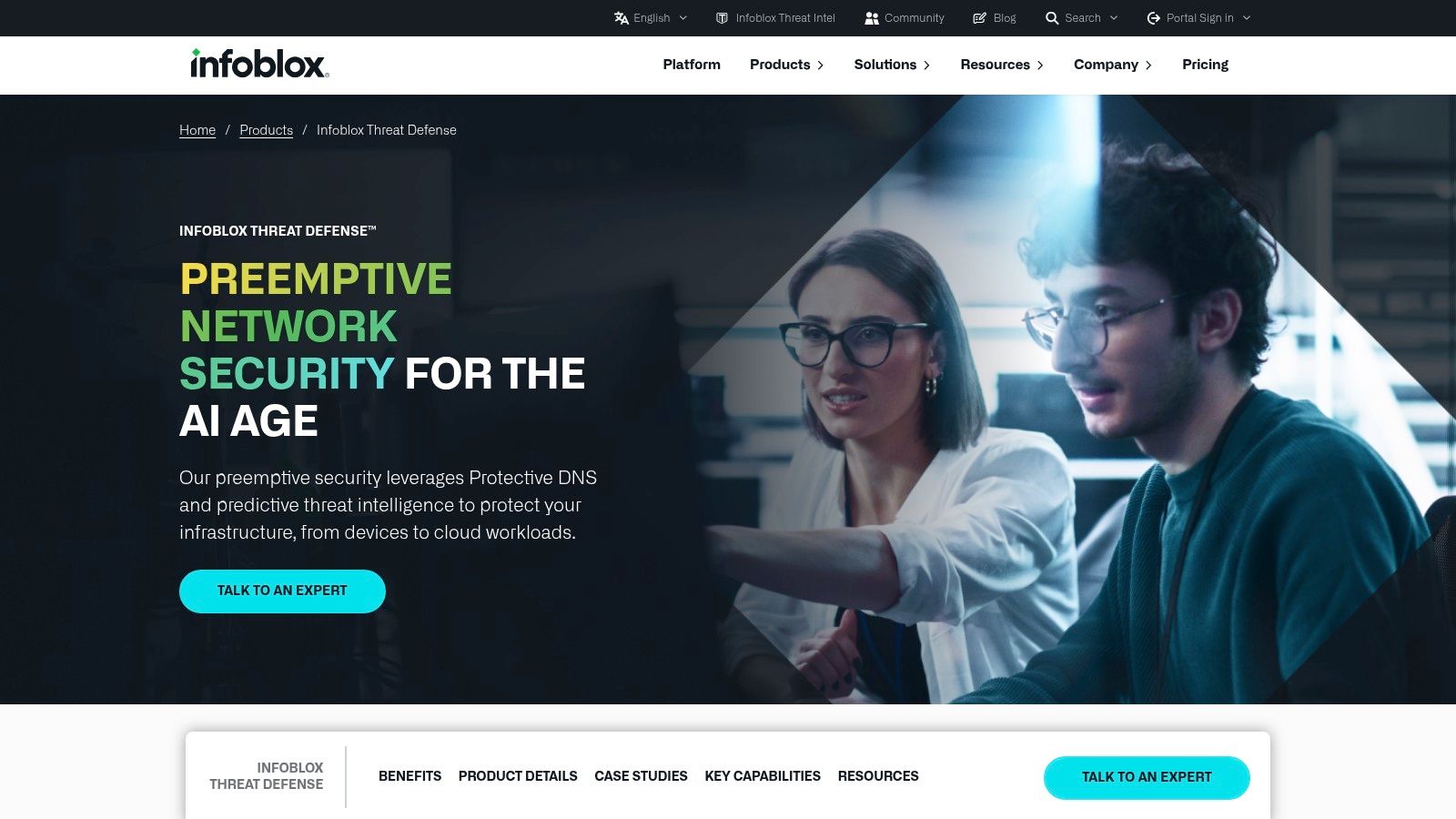
Infoblox Threat Defense connects DNS-based threat protection with Infoblox's broader DNS, DHCP, and IP address management portfolio. It's a natural option to evaluate if your organization already uses Infoblox DDI and wants security functions tied closely to enterprise DNS operations. Centralized visibility can help network and security teams work from the same infrastructure context.
The service offers threat intelligence and cloud or enterprise deployment options, depending on configuration. That breadth can be useful in complex environments, but it may create more operational work than a focused DNS filter for a small venue or single site. Public pricing wasn't identified in the reviewed product information.
Before procurement, make the quoted package concrete. Confirm the phishing-blocking features, deployment model, reporting detail, and how the service handles unmanaged devices on guest networks. Product-family breadth shouldn't be taken as proof that every capability comes with every package.
DNS-layer protection can block known malicious destinations at lookup, but it won't catch every phishing message or every attack hosted on a legitimate service. For a primer on how threat feeds inform this layer, see threat intelligence feeds. Explore Infoblox Threat Defense for package details.
How the ten tools compare on pricing disclosure, trials, agent-free deployment and best fit
For shared WiFi, compare what each product discloses and where protection applies. A network-level DNS setup can cover guest devices without installing software on each one, but the actual DNS path and package limits need checking.
| Tool | Pricing disclosure | Trial or free plan | Agent-free network deployment | Best fit |
|---|---|---|---|---|
| Purple Shield | Quote only; no fixed price published | 30-day free trial | Runs on WiFi networks without agents or new hardware | Guest and shared WiFi, with separate policies by network |
| DNSFilter | Public rates and minimums vary by plan; check current pricing | Free trial available | Network deployment covers devices using configured DNS | Businesses, schools and MSPs needing DNS threat and content filtering |
| Cisco Secure Access, DNS Defense | Public pricing not identified; request a quote | Trial availability not listed in the product information | Cloud-delivered DNS protection; confirm whether the chosen package covers unmanaged guest devices | Organizations already using Cisco security or networking products |
| Cloudflare Gateway | Free, pay-as-you-go and custom-priced options | Free plan available | Network DNS routing can protect devices without individual agents | Teams seeking DNS filtering alongside broader secure web gateway options |
| ScoutDNS | Annual per-seat pricing published; education pricing requires confirmation | 14-day trial; no card required | Network Standard and Network Plus support network-level deployment | Commercial networks, education, nonprofits and MSPs |
| WebTitan Cloud | Commercial pricing requires confirmation with TitanHQ | 14-day trial | Cloud-hosted service; whether it supports the required agent-free setup is not listed | Organizations and service providers needing DNS threat and content filtering |
| CleanBrowsing | Public plans; larger deployments require a custom arrangement | No trial for self-service plans | Router configuration can cover devices without client apps | Families, schools, libraries and smaller organizations |
| NextDNS Business | Public pricing; business plans use employee bands | Trial availability not listed; check with the provider | Can be deployed through network DNS configuration | Smaller organizations comfortable managing DNS policies |
| Zscaler DNS Security | Quote-based | Trial availability not listed; request details | Cloud-delivered without an on-premises DNS appliance; confirm guest-device coverage | Organizations considering broader zero-trust or secure web gateway capabilities |
| Infoblox Threat Defense | Public pricing not identified; request a quote | Trial availability not listed; request details | Deployment options vary by configuration; confirm support for unmanaged devices | Enterprises using Infoblox DDI or managing complex DNS infrastructure |
A “yes” for agent-free deployment means devices can be covered through network DNS configuration, not that every device or connection is automatically protected. Confirm how the service handles captive portals, encrypted DNS, roaming devices and any package limits before comparing quotes. DNS filtering also has a clear boundary: it can block lookups to known malicious domains, but email and endpoint controls still address threats that do not rely on those lookups.
Matching the Tool to Your Shared Network
At a hotel, hospital, campus or public venue, visitors connect devices your team cannot manage individually. Start by checking whether those devices use the protected DNS path after joining WiFi, including through the captive portal. Then confirm that policies fit the way you separate guest, staff and other networks.
For a small office, school, library or family network, a simpler DNS filter may be easier to set up and maintain than an enterprise platform. If your organization already uses Cisco, Zscaler or Infoblox, check whether its current package covers guest WiFi and provides the reporting your team needs.
Pilot the chosen tool on one SSID for 30 days. Use an unmanaged phone and follow the actual WiFi join flow. Check blocked lookups, the user experience when a site is blocked, dashboard records and the effects of policy changes. A successful test on one SSID does not confirm coverage across every network.
Keep email controls and employee awareness in place alongside DNS filtering. Give each control a defined role: email controls reduce risky messages, DNS filtering adds a network-level backstop for unmanaged devices, and employee awareness helps people report suspicious activity.
Choose a tool your team can deploy, check and manage on the devices visitors really bring. Purple Shield offers a 30-day free trial with no hardware, agents or card required. Use it to test a single SSID before deciding whether to expand.