
Shield vs DNSFilter: a protective DNS comparison for WiFi operators
You will be able to choose between Shield, DNSFilter and Cisco Umbrella based on your operating model rather than resolver claims. Use the decision matrix, cost comparison and five-step evaluation to match protective DNS to your guest networks and managed staff devices, and to close resolver bypass routes at the firewall.
Published October 25, 2026 · 14 min read
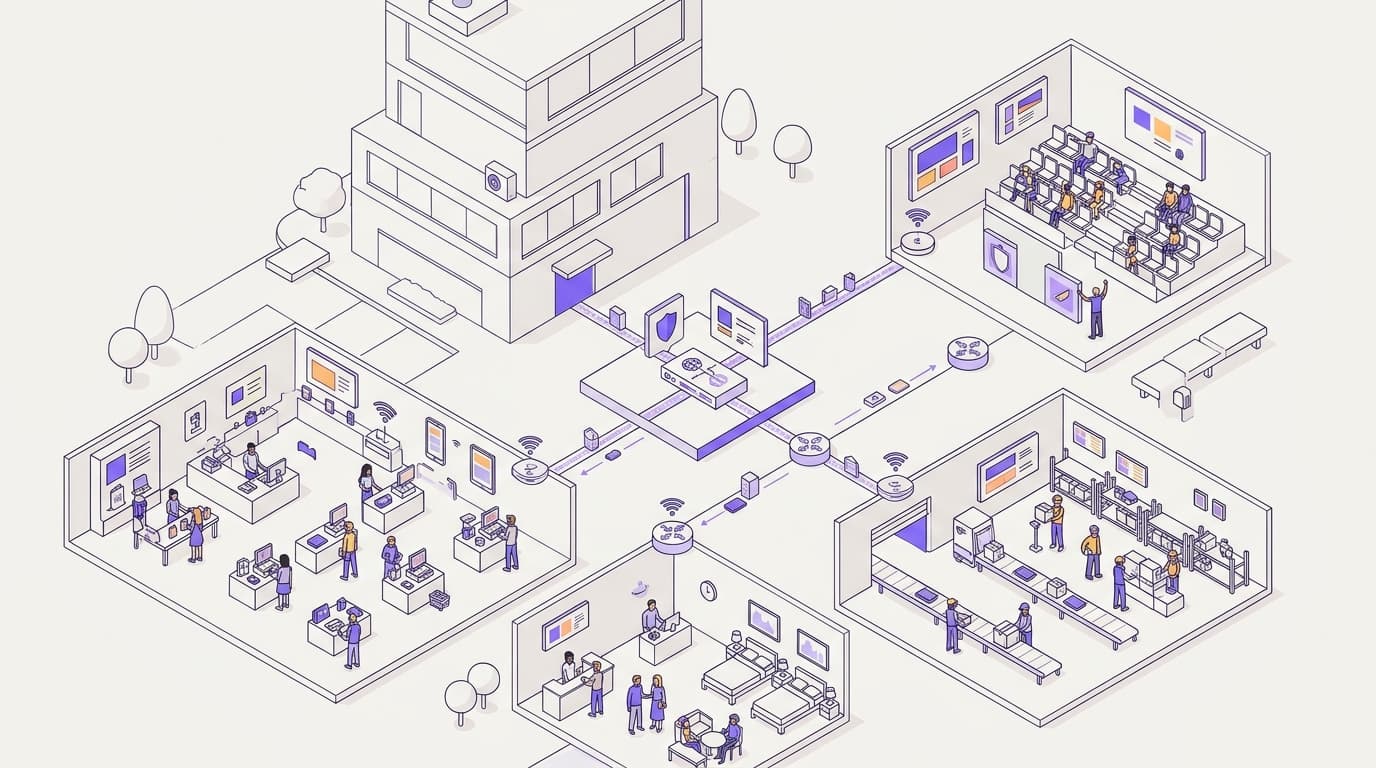
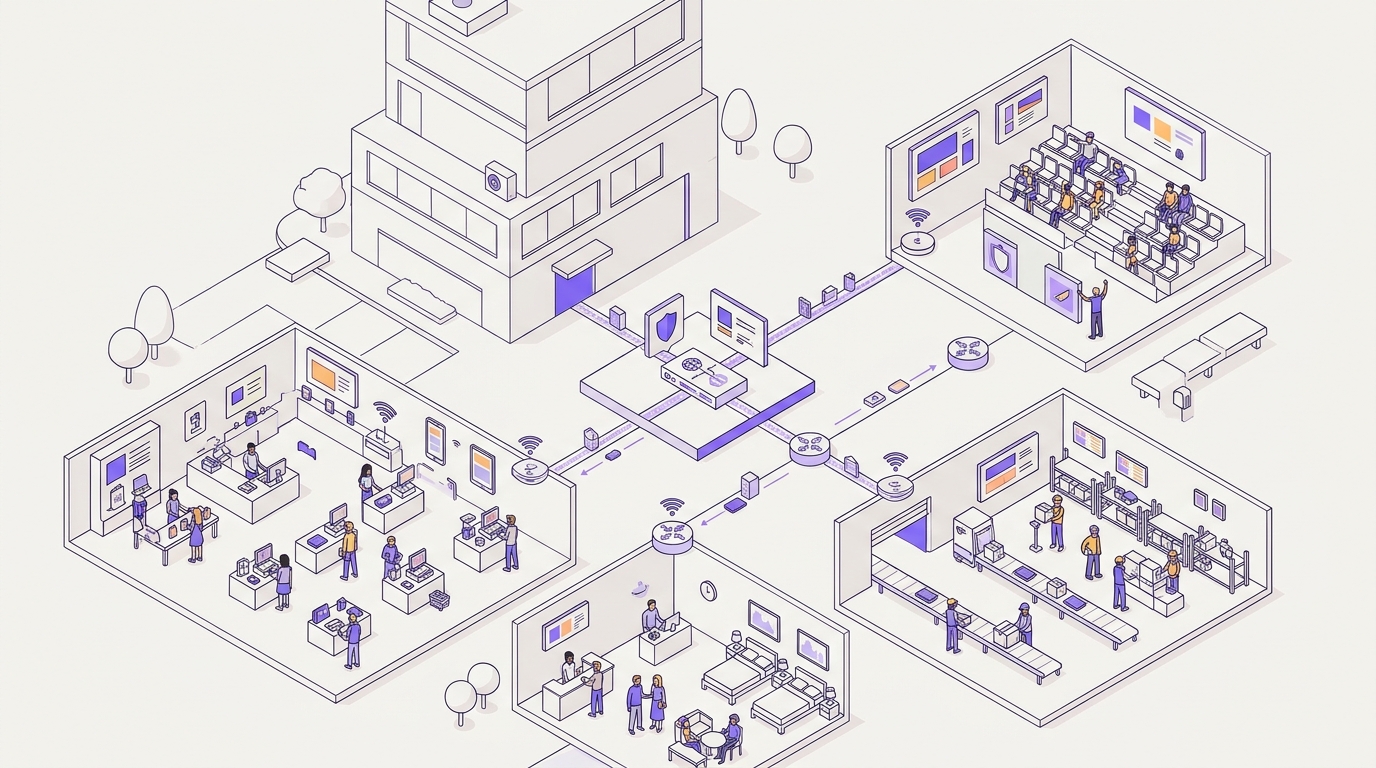
Shield and DNSFilter both block malicious and unwanted domains at the DNS lookup, before any connection opens. The difference is the operating model. Shield is a Purple add-on managed beside your SSIDs, captive portal and analytics, on one bill. DNSFilter is a standalone resolver with its own console, agents and invoice, and suits roaming staff devices.
Which should you choose for guest WiFi: Shield or DNSFilter?
Choose on the operating model, not on the resolver. Both products filter at the same point in the connection. Both block phishing, malware and unwanted content categories. They differ in how they sit inside your estate.
Shield is a security add-on to Purple's Guest WiFi platform. It is one of three, alongside SecurePass and Verify. You switch it on from the dashboard that already runs your SSIDs, captive portal and visitor analytics. You don't sign a separate resolver contract, roll out an agent or pay a second invoice.
DNSFilter is a specialist protective DNS company. It sells a standalone resolver service, a policy console and roaming clients for managed devices. It is a well-regarded product, and the honest summary is this:
- If your guest and public WiFi already runs on Purple, Shield is the shorter path. You get one vendor, one bill and one dashboard.
- If your main exposure is staff laptops and cell phones that leave the building, DNSFilter's roaming clients cover ground that Shield does not.
- If you have both problems, run both. Use Shield on guest and public SSIDs, and DNSFilter or Cisco Umbrella on managed endpoints.
This guide does not argue resolver speed, point-of-presence count or threat-intelligence breadth. DNSFilter and Cisco Umbrella are dedicated security vendors, and depth is their business. A WiFi operator needs to answer a narrower question. Do you want protective DNS built into the WiFi platform, or a separate stack that you procure and run?
Where does protective DNS filter, and what does a firewall miss?
Every web request starts with a DNS lookup. Before a device opens a connection, it asks a resolver to turn a domain name into an IP address. Our explainer on what a DNS lookup is and why networks use it covers the mechanics.
Protective DNS checks each lookup against threat and category data. If the domain is malicious or blocked, the resolver withholds the real answer. The device never reaches the server, so no page loads, no file downloads and no credentials leave the device.
What a firewall alone misses on guest WiFi
A firewall works on connections. It sees IP addresses and ports. Without decryption, it sees little of the content. Three gaps matter on public networks:
- Encrypted traffic. Most web traffic now runs over HTTPS. To inspect it, you must install a trusted certificate on each device, and you cannot do that on a guest's cell phone.
- Shifting infrastructure. Phishing operators rotate IP addresses quickly, so IP blocklists fall behind. The domain is often the steadier indicator.
- Hidden server names. TLS 1.3 with Encrypted Client Hello hides the requested server name from inspection on the network path. The DNS lookup still happens before the connection.
Protective DNS needs no agent and no certificate. It covers every device that takes its resolver from your DHCP settings, whatever the operating system. That is why it fits guest WiFi, where you own the network but not the devices.
Where protective DNS needs help
DNS filtering does not replace a firewall. Some devices bypass the network resolver: those with a hard-coded resolver, and browsers using DNS over HTTPS (DoH, RFC 8484) or DNS over TLS (DoT, RFC 7858). Close that gap at the firewall. Block outbound DNS on port 53 to any resolver except your own, block port 853, and block known DoH endpoints.
This advice applies equally to Shield, DNSFilter and Cisco Umbrella. Our explainer on DNS forwarding shows how queries move between resolvers on a typical network. It helps when you plan where the protective resolver sits.
Where do Shield and DNSFilter genuinely differ?
The table compares the three options a guest WiFi buyer usually shortlists. Each row is an operating question, not a feature count.
| Shield | DNSFilter | Cisco Umbrella | |
|---|---|---|---|
| What it is | Protective DNS add-on to Purple Guest WiFi | Standalone protective DNS service | DNS-layer security within Cisco's security portfolio |
| New hardware needed | None | None for network filtering | None for DNS-layer filtering |
| Where you manage policy | Purple dashboard, beside SSIDs, captive portal and analytics | Separate DNSFilter console | Separate Umbrella dashboard |
| Covers devices off your network | No, protects devices while on your WiFi | Yes, through roaming clients on managed devices | Yes, through Cisco Secure Client |
| Ad blocking | Built in | Through content-category policy | Through content-category policy |
| Pricing model | Add-on to your Purple subscription | Published per-seat monthly tiers | Package licenses quoted by Cisco or a partner |
| Invoices for guest WiFi plus DNS | One | Two | Two, or one Cisco relationship with separate licenses |
| Best fit | Venues running guest and public WiFi on Purple | Managed staff fleets, MSPs, roaming endpoints | Properties standardized on Cisco security |
What DNSFilter does well
DNSFilter has genuine strengths, and you should weigh them properly.
- Speed. DNSFilter publishes resolver performance benchmarks and makes resolution speed a core part of its pitch.
- Machine-learning categorization. Its classification engine categorizes domains it has not seen before. This matters because new phishing domains appear daily.
- Predictable pricing. Its per-seat tiers are published, so you can budget a known staff headcount without a sales call.
- Roaming coverage. Its roaming clients filter managed devices at home, in hotels and on cell phone data.
- MSP tooling. A multi-tenant console lets a managed service provider run many client organizations from one login.
DNSFilter also publishes claims about detecting threats earlier than other services. Purple publishes its own figure for Shield: threats flagged up to 10 days earlier, from Purple's own data. Neither figure comes from a head-to-head test under the same conditions. Do not choose on either number.
What Shield does differently
Shield's case is about where it lives, not resolver depth.
- Platform-native policy. You set filtering on the guest networks you already manage in Purple. The same dashboard shows login analytics, captive portal performance and filtering activity.
- Ad blocking included. Purple's published figures for Shield ad blocking are up to 500% faster page loads, up to 44% less data, 62% fewer DNS queries and 20 to 40% less web traffic.
- Hardware-agnostic. Purple runs as a cloud overlay on Cisco Meraki, HPE Aruba, Ruckus, Juniper Mist, Ubiquiti UniFi, Cambium, Extreme and Fortinet. Shield needs no new box on any of them.
- One compliance envelope. Purple holds ISO 27001 and Cyber Essentials certification and is CCPA/CPRA compliant. Your DNS data sits with the vendor that already processes your guest WiFi data.
When is Shield the right call?
Shield is the right call when your guest or public WiFi already runs on Purple, or you plan to move it there. It fits best when most of these are true:
- The devices you need to protect are guests, visitors, shoppers or passengers, not managed laptops.
- You want filtering, threat protection and ad blocking without a new appliance or agent.
- Your procurement team would rather extend an existing contract than onboard a new security supplier.
- Venue managers already use the Purple dashboard and should not learn a second console.
- Bandwidth at some sites is tight, so ad blocking has a direct operational payoff.
Worked scenario: a 200-room conference hotel
Situation. A 200-room hotel runs guest WiFi on Purple over Ruckus access points. Guests and conference delegates share one public SSID. A second SSID serves staff. The IT manager needs phishing and malware blocking, plus adult-content filtering on the guest SSID, before conference season. Quotes for a standalone DNS service meant a new supplier review, a second console and registration of the site's public IP address.
What was done. The team enables Shield on the guest SSID from the Purple dashboard. They select threat protection and the content categories that the hotel's acceptable-use policy blocks. They switch on ad blocking. At the firewall, they block outbound DNS to resolvers other than the protective one, which closes the bypass route. Before the change, they record 30 days of baseline data per session and DNS query volume.
Measurable outcome. The hotel ends with one vendor on the guest network instead of a proposed two. It needs no new hardware and no extra console for the manager on duty. The team compares data per session and DNS query volume against the 30-day baseline. They read the results against Purple's published ranges of up to 44% less data and 62% fewer DNS queries. Filtering reports sit beside the login analytics the marketing team already reviews.
Worked scenario: a 40-store retail chain
Situation. A fashion retailer offers shopper WiFi in 40 stores. Several stores run on small broadband lines that also carry payment terminals and inventory systems. Guest traffic is isolated on its own VLAN, a virtual network segment, in line with the segmentation guidance in PCI DSS. Even so, heavy ad traffic from shopper devices competes for the same upstream capacity.
What was done. The retailer turns on Shield across all 40 store SSIDs from a single Purple policy. It enables threat protection and ad blocking for every site. Corporate headquarters sets one content policy rather than configuring each store.
Measurable outcome. Each store reports web traffic on the shopper VLAN before and after the change. The retailer measures the result against Purple's figure of 20 to 40% less web traffic with ad blocking. The policy rolls out from one dashboard, with no visit to any store and no new hardware.
When is DNSFilter the right call?
DNSFilter is the right call when your problem is the device, not the venue network. Choose it when most of these are true:
- You manage a fleet of laptops, tablets or cell phones that work from home, from client sites or on mobile data.
- Your guest WiFi does not run on Purple, and you want protective DNS from a specialist.
- You are an MSP running many small client organizations and want one multi-tenant console.
- You value published per-seat pricing for a stable staff headcount.
- You want resolver speed and machine-learning categorization as the main buying criteria.
In each case, the roaming client is the deciding factor. Shield protects devices while they are on your WiFi. DNSFilter's roaming clients keep protecting a managed device after it leaves.
Worked scenario: a county council with libraries and remote staff
Situation. A local government runs public WiFi in 12 libraries and community centers on Purple. It also issues laptops to 300 staff members who split their week between the office and home. The local government's security lead wants filtering on the public WiFi and on staff laptops, wherever they connect.
What was done. The local government enables Shield on the library public SSIDs, where visitors bring their own devices. On staff laptops, it deploys a roaming DNS client from a specialist vendor such as DNSFilter. Corporate devices should also check eligibility for protective DNS services before buying one. Libraries also review filtering against their own safeguarding policies.
Measurable outcome. The local government measures coverage directly. It records the share of managed laptops reporting a filtered roaming client, aiming for every issued device. Public WiFi filtering lives in the same Purple dashboard as library login analytics. The local government runs two consoles, but each is matched to a different job, rather than one product stretched over both.
Where does Cisco Umbrella fit?
Cisco Umbrella is the third name on most shortlists, and it deserves a fair hearing. Its DNS-layer security is one part of Cisco's broader security portfolio. That portfolio also includes a secure web gateway and cloud-delivered firewall capabilities. Cisco Meraki networks integrate with Umbrella, and Cisco Secure Client provides roaming coverage for managed devices.
Umbrella suits estates already standardized on Cisco security. There, protective DNS slots into the policies, logging and contracts you already hold. Seen from the WiFi platform, though, it is still a separate stack. It has its own dashboard, its own licenses and its own renewal cycle. For guest WiFi on Purple, the same platform-native argument applies as with DNSFilter.
What does each option cost to run?
License price is the visible cost. The running cost shows up in procurement, setup, daily operation and renewal. Neither DNSFilter nor Cisco Umbrella is expensive to deploy technically. The difference lies in how many processes you add to your estate.
| Cost line | Shield | DNSFilter | Cisco Umbrella |
|---|---|---|---|
| License | Add-on to your Purple plan | Per-seat monthly tiers | Package license from Cisco or a partner |
| Procurement | Change to your existing Purple agreement | New vendor onboarding and security review | New contract unless you already hold Umbrella licenses |
| Site setup | Enable in the Purple dashboard | Point site DNS to DNSFilter and identify the site | Point site DNS to Umbrella and register the network |
| Daily operation | One dashboard with your WiFi analytics | Second console beside your WiFi platform | Second console, shared with other Cisco security tools |
| Staff training | Existing Purple dashboard skills | New console skills | New console skills |
| Data processing paperwork | Covered by your existing Purple agreement | New data processing agreement | New agreement unless already in place |
| Renewal | One renewal | Separate renewal | Separate renewal |
The guest device question
Per-seat pricing works well for a known staff headcount. On guest WiFi, the number of devices changes every day. A hotel or station may see far more distinct devices in a month than it has staff. Ask DNSFilter in writing how it counts guests on a public network. Then compare quotes on the same basis: number of sites, number of SSIDs and expected monthly devices.
Hidden operating costs
Watch for three costs that rarely appear on a quote:
- Site identification. Standalone resolvers need to know which network a query came from. Sites with dynamic public IP addresses may need an updater or local agent.
- Incident correlation. When a guest complains that a site is blocked, staff must check the DNS console and the WiFi platform separately.
- Vendor management. Each vendor adds a security questionnaire, a data processing agreement and a renewal date to your calendar.
Shield removes all three for the guest network because it runs inside the platform you already operate. It does not remove them for staff laptops off-site, because it does not cover those devices.
How do you decide for your portfolio?
Start with your devices, not with feature lists. Map what you need to protect, where it connects and who manages it. Then use the matrix below.
| Your situation | Recommended option | Why |
|---|---|---|
| Guest WiFi on Purple, no off-site devices to cover | Shield | One vendor, one bill, one dashboard |
| Guest WiFi on Purple plus managed laptops that go home | Shield on guest SSIDs, DNSFilter or Umbrella on laptops | Each tool covers the ground it was built for |
| No Purple, managed staff fleet only | DNSFilter | Roaming clients and published per-seat pricing fit |
| Security estate standardized on Cisco, Umbrella already licensed | Cisco Umbrella for managed devices | Policy stays inside your Cisco security stack |
| MSP serving many small offices without guest WiFi | DNSFilter | Multi-tenant console built for MSP operations |
| Venues with constrained broadband on Purple | Shield with ad blocking | Purple data: 20 to 40% less web traffic |
A five-step evaluation
- Inventory devices. Split them into guest and managed, and on-site and roaming. The split usually decides the answer before any demo.
- Pilot on one SSID. Run a 30-day pilot on a single guest network. If you are weighing DNSFilter too, pilot it on a comparable site over the same period.
- Measure what matters to you. Record blocked threats, false positives reported by guests, page load times and data per session. Compare each against a pre-pilot baseline.
- Check data handling. Confirm where DNS logs are stored, how long they are kept and who can see them. Under CCPA/CPRA, query logs can be personal data where they link to an identifiable person.
- Compare total cost. Put license, procurement, training and renewal effort side by side on the same basis.
If you are still building a longer shortlist, our review of phishing protection software for shared WiFi covers 10 options. For more on running Purple's protective DNS, start at the Shield hub or browse all guides.
Frequently asked questions
How does Shield compare to DNSFilter?
Shield and DNSFilter both block threats and unwanted content at the DNS lookup; the difference is the operating model. Shield is an add-on to Purple's Guest WiFi platform. You manage it in the same dashboard as your SSIDs, captive portal and analytics, on one invoice. DNSFilter is a standalone service with its own console, contract and roaming clients. Shield suits venues on Purple; DNSFilter suits managed devices that leave your network.
Is there a DNSFilter alternative for guest WiFi?
Yes. If your guest WiFi runs on Purple, Shield adds protective DNS, content filtering and ad blocking without a new resolver contract or new hardware. Cisco Umbrella is another alternative, best suited to estates already standardized on Cisco security. All three filter at the same point, the DNS lookup before any connection opens. Compare them on how they fit the WiFi platform you already run.
Does DNSFilter block ads?
Yes, DNSFilter can block advertising domains through its content-category filtering policies. You apply ad blocking in the DNSFilter console like any other blocked category. Check DNSFilter's current category list for exact names. Shield builds ad blocking in. Purple's own data shows up to 500% faster page loads and up to 44% less data, which matters at venues with constrained broadband.
Do I need new hardware to run Shield?
No. Shield works at the DNS layer, so it needs no appliance and no agent on guest devices. Purple is hardware-agnostic and runs as a cloud overlay on Cisco Meraki, HPE Aruba, Ruckus, Juniper Mist, Ubiquiti UniFi, Cambium, Extreme and Fortinet. You enable Shield from the Purple dashboard and apply policy to the guest networks you already manage.
Can we switch guest WiFi from DNSFilter to Shield?
Yes, and it is a configuration change rather than a hardware project. Guest devices use the resolver your network hands them, so moving guest SSIDs to Shield changes where those lookups go. Pilot Shield on one SSID, compare block reports and page loads, then move the remaining sites. Keep DNSFilter roaming clients on managed staff devices if you still need off-site coverage.
How are DNS logs handled under CCPA/CPRA?
Treat DNS query logs as personal data wherever they link to an identifiable person, and keep them only as long as you need them. Purple is ISO 27001 certified and CCPA/CPRA compliant. Shield data sits inside the same platform that already processes your guest WiFi data. With a standalone service, add the DNS vendor to your records of processing and sign a separate data processing agreement.
Which protective DNS is best for public WiFi?
The best protective DNS for public WiFi is the one that matches how you already run the network. On Purple, Shield removes a second vendor, console and invoice. For managed devices that roam, DNSFilter's clients fit better. For estates standardized on Cisco security, Cisco Umbrella keeps policy in one stack. Pair any of them with firewall rules that stop devices bypassing your resolver.
How is Shield priced compared with DNSFilter?
Shield is an add-on to your Purple subscription, so it appears on the invoice you already pay. DNSFilter publishes per-seat monthly tiers on a separate contract, which gives predictable costs for a known staff headcount. On guest WiFi, device numbers change daily. Ask DNSFilter in writing how it counts guests, then compare both quotes on the same basis.