
8 smart uses of hotspot WiFi in 2026
Explore the top uses of hotspot WiFi, from guest access and safeguarding to events, healthcare and multi-site networks - with practical setup tips for each.
Published November 21, 2026

A hotel guest is streaming on the lobby WiFi, a patient is checking email in a hospital waiting room, and a contractor is opening project drawings on a temporary site network. They all need internet access. You need to keep their devices away from operational systems, maintain usable bandwidth, and decide what happens when someone follows a malicious link.
That makes a hotspot more than a wireless connection. It's a public-facing service with security, safeguarding and performance expectations, even when you don't own the devices using it. A captive portal can explain acceptable use, but it can't stop malware callbacks or prevent a guest device from reaching an exposed printer.
The most useful uses of hotspot WiFi start with those operational realities, not with the wireless password. Whether your backhaul comes from fixed broadband or a cellular router, you still need separate access policies, sensible traffic controls and a support process.
Operator's starting point: Decide who can reach what before deciding which websites they can visit.
Network segmentation, protective DNS and centralized reporting address different parts of that problem. Segmentation limits access between devices and systems. DNS filtering blocks requests for restricted or malicious domains. Reporting records what the controls did, giving operators evidence for investigations and governance reviews without pretending that logs alone prove compliance.
Table of Contents
- 1. Protective DNS for Guest and Public WiFi
- 2. Safe Browsing and Online Protection for Hotels, Bars, and Family Attractions
- 3. Threat Containment for Compromised Devices on Shared Networks
- 4. DNS-Layer Advertising and Tracker Reduction
- 5. Tiered Guest WiFi and Revenue Protection
- 6. Centralized Compliance, Auditing and Evidence Reporting
- 7. Multi-Site and Campus Hotspot Management
- 8. Temporary Hotspot Protection for Events, Remote Work and Emergency Sites
- Hotspot Use Cases at a Glance
- Choosing the Right Hotspot Approach for Your Venue
1. Protective DNS for guest and Public WiFi
Protective DNS checks domain requests before the resolver returns an address. If a requested domain matches a threat or restricted-content policy, the service can refuse resolution or return a blocking response. That gives operators a control point for unmanaged cell phones and laptops without installing endpoint software.
The need isn't hypothetical. In a survey of U.S. adults published by Panda Security, 66.5% were concerned about public WiFi safety, while 23.5% used neither a VPN nor antivirus protection. You can't build a guest-network security policy around every visitor arriving prepared.

Configure the path, not just the resolver
Start by mapping each guest SSID to its VLAN and intended DNS policy. Advertise the approved resolver through DHCP, check IPv6 behavior, and use gateway rules to prevent straightforward bypass through unauthorized DNS services.
- Separate policies: Give visitors, staff and operational devices distinct rules rather than applying a single guest policy everywhere.
- Test essential journeys: Check booking engines, payment redirects, accessibility tools and the venue's own website.
- Explain restrictions: Use a supported block page with a clear reason and a route for requesting an exception.
Say a hotel guest opens a phishing link from an email. Protective DNS can stop the lookup if the destination is recognized as malicious, but it won't inspect the email or guarantee that an unfamiliar domain is safe.
Encrypted DNS and VPNs can bypass the intended resolver unless separately managed. HTTPS can also prevent a branded block page from appearing cleanly. Test these cases rather than promising a universal blocking experience.
2. Safe browsing and Online safeguarding for hotels, bars and family attractions
A family attraction needs different browsing rules from a conference workspace. Apply age-appropriate category filtering and supported Safe Search enforcement to family-facing access, while keeping administrative systems on a separate network.
For visitors planning a Bangkok capybara cafe outing, WiFi may be another convenience alongside booking information and directions. The operator still needs to consider children using shared tablets, adults opening unsuitable material nearby, and staff trying to access legitimate business services.

Make safeguarding policies match the venue
For a hotel, separate family guest access from conference and staff access through authenticated roles or VLAN assignments. Don't advertise a different SSID for every room type unless there's a genuine operational reason.
Scheduled policies can support changing audiences. A bar hosting a family event may need different restrictions from its normal operating policy, but the schedule must match the actual event rather than an assumed evening or weekend pattern.
- Test search behavior: Verify Google, Bing and YouTube restrictions in supported browsers and applications.
- Assign ownership: Give a safeguarding lead responsibility for category choices and disputed blocks.
- Record exceptions: Document the domain, reason, approver and review date before allowing a restricted service.
DNS filtering isn't page-level moderation. It can block a domain, but it generally can't distinguish appropriate and inappropriate pages hosted on that same domain.
That matters for social platforms, shared hosting and user-generated content. Combine filtering with clear acceptable-use information and a reporting route, rather than describing filtered WiFi as a guarantee that children can't encounter harmful material.
3. Threat containment for compromised devices on shared networks
An infected laptop can join your hotspot before its owner notices anything wrong. Blocking known command-and-control domains can interrupt some attempts to contact malicious infrastructure, making DNS protection useful even when you can't inspect or repair the device.
Consider an airport visitor whose laptop repeatedly requests a recognized malware domain. A DNS sinkhole can divert or suppress that resolution, while threat reports give the operator a reason to investigate. The block is a containment measure, not proof that the infection has been removed.
Blocking a malicious lookup doesn't make the device clean. It gives the operator an opportunity to isolate it and investigate.
Pair DNS controls with actual isolation
Put guest devices on networks that cannot reach staff workstations, management interfaces or operational equipment. Enable wireless client isolation where appropriate, then verify isolation across access points and switches, not just between clients associated with the same radio.
- Correlate alerts: Match repeated threat blocks to DHCP leases, authentication records and access-point sessions where available.
- Prepare quarantine: Define how authorized staff can disconnect or restrict a suspicious client.
- Protect clinical systems: Keep patient browsing separate from medical and clinical-support equipment, with approved change procedures for those systems.
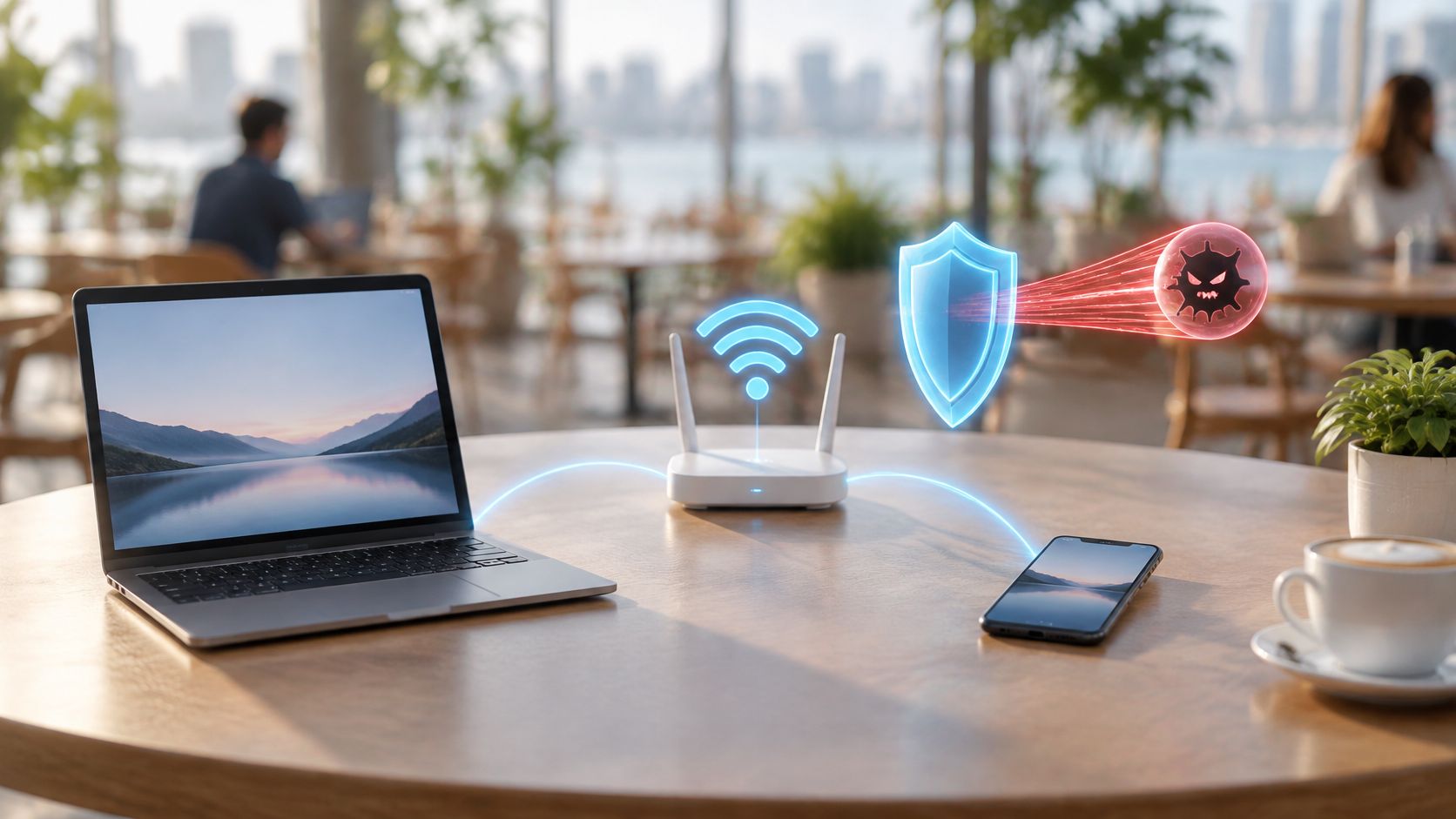
Malware can use hard-coded addresses, previously cached answers, encrypted tunnels or compromised legitimate services. DNS filtering doesn't replace firewall rules, endpoint protection or incident response, and repeated blocks shouldn't remain an unattended dashboard entry.
Test applications that use custom DNS before enforcement. Treat certificate-pinning failures separately: DNS filtering alone doesn't require TLS interception, so a certificate problem may indicate another control or an unsuitable block-page response.
4. DNS-Layer advertising and tracker Reduction
A busy hotel can have usable radio coverage and still deliver sluggish browsing. Advertising scripts, tracking requests and third-party page components compete with the content guests requested.
A network ad blocker can prevent resolution of recognized advertising and tracking domains. That can avoid associated downloads, but it won't remove every advertisement, especially when advertising and essential content share a domain.
Measure improvements on the actual guest network
Say a family attraction wants to reduce unnecessary traffic during busy admission periods. Pilot the policy on a representative guest network, then compare page-load behavior, bytes transferred per client, DNS latency and peak airtime utilization under similar conditions.
- Keep tests comparable: Use the same device types, websites and time windows.
- Check commercial journeys: Test ticket sales, payment authentication, maps, embedded video and advertising-supported media.
- Allow narrowly: Exempt the required hostname where possible rather than allowing an entire advertising category.
Don't mistake reduced traffic for a capacity upgrade. If guests are waiting because the uplink is saturated by video calls or the access points are overloaded, ad filtering alone won't fix the bottleneck.
There's also an inclusion benefit to reducing avoidable downloads, although it shouldn't become an exaggerated affordability claim. The ITU's affordability findings published in 2025 show that, in nine out of ten low-income economies, a 5 GB mobile broadband basket costs more than 10% of average monthly income.
Protected shared WiFi can offer an alternative to using a personal allowance. Make access practical, explain filtering clearly, and provide a support route when a legitimate page breaks.
5. Tiered guest WiFi and revenue protection
Premium WiFi should sell service quality, not basic safety. Keep baseline threat protection on every tier, then distinguish services through capacity allocation, session entitlements or authenticated access.
A hotel might offer general browsing on complimentary access and a premium entitlement for guests who need sustained conferencing. Staff payment terminals and property-management systems belong on separate operational networks, not on the premium guest tier.
Define entitlements before creating SSIDs
Write a policy matrix covering authentication, network reachability, bandwidth rules, content categories and support expectations. Translate that matrix into SSIDs, VLANs or identity-based roles only after the service differences are clear.
- Keep SSIDs limited: Use portal entitlements or dynamic role assignment where supported, rather than broadcasting every commercial package.
- Protect membership: Don't depend on a widely shared premium password to enforce paid access.
- Match the promise: Make bandwidth limits and acceptable-use restrictions consistent with booking descriptions and venue terms.
For a bar, the useful distinction may be between guests and staff. For an airport lounge, it may involve entitlement checks and separate service policies while preserving consistent threat protection.
Commercial rule: Don't charge for an experience the radio network and backhaul can't reliably deliver.
DNS categories are a blunt instrument for traffic management. Blocking a streaming domain can also break embedded video, training material or unrelated services using that infrastructure.
Use gateway traffic shaping for rate enforcement and DNS controls for domain access decisions. Review authentication failures, congestion and support complaints alongside revenue, because a paid connection that repeatedly fails creates a service problem rather than a useful upgrade.
6. Centralized compliance, Auditing and evidence reporting
A blocked-domain count isn't a compliance certificate. Operators need to show which policy applied, where it applied, who changed it and how exceptions were handled.
For a university, that could mean distinguishing public library access from student housing and staff networks. For a healthcare provider, it means keeping patient-network evidence identifiable without confusing it with clinical-system controls.
Build a useful evidence trail
Central reporting should connect each event to a venue, network, policy and timestamp. Record configuration changes as well as blocks, because an auditor or incident responder may need to understand why a request was allowed at the time.
- Assign reviewers: Give security, protection, and operational teams defined responsibilities rather than sending everyone the same report.
- Control access: Restrict detailed browsing records to authorized roles and set retention according to documented needs.
- Track decisions: Preserve exception approvals, false-positive investigations, and policy revisions alongside technical events.
Consider a local government agency operating library hotspots. A meaningful review would examine whether the intended categories were active, whether legitimate learning resources were incorrectly blocked, and whether staff resolved those issues through the approved process.
Report only what the control can observe. A DNS resolver sees domain requests, not necessarily the full encrypted URL path or the content of a page. If a dashboard labels records as URLs, understand the underlying visibility before making claims about what users viewed.
Repeated blocked requests may come from background software or retries, not separate deliberate actions. Use reports as evidence of control activity, with appropriate context, and map that evidence to the venue's actual obligations rather than assuming a filtering product satisfies every requirement.
7. Multi-Site and Campus hotspot management
A policy that works at a small hotel can fail at an airport terminal or a teaching hospital. Central management should standardize the baseline while preserving justified local exceptions.
A cloud-based network management approach can reduce site-by-site configuration work, but operators still need reliable local DNS forwarding, routing and identity mapping. Central control doesn't remove the need to understand each venue's network.

Roll out templates without losing site identity
Say a hospitality group wants a common guest policy across city hotels and rural properties. Pilot at locations with different backhaul arrangements, occupancy patterns and booking systems before applying the template across the portfolio.
Standardize venue names, SSID labels, VLAN descriptions and policy identifiers. Where several sites share an internet breakout, confirm that the filtering service can still distinguish the networks that require different rules.
- Control exceptions: Give local allowances an owner, a reason and an expiration or review date.
- Check policy delivery: Confirm the intended resolver and policy from an actual guest device at each pilot site.
- Test failures: Simulate resolver loss, backhaul failure and recovery without changing unrelated controls.
A secondary resolver that bypasses filtering can defeat the entire policy without notice. Conversely, a fail-closed design can interrupt browsing when protection is unavailable.
Choose failure behavior deliberately, document its service impact, and make sure the support team knows how to diagnose it. Review configuration drift regularly, including local router changes that may redirect clients away from the approved DNS path.
8. Temporary hotspot protection for events, remote work and emergency sites
Temporary networks need permanent-network discipline. An exhibition hall, construction compound or emergency facility may have little setup time, but unmanaged visitor devices still shouldn't share unrestricted access with operational systems.
At an exhibition, contractors assembling expo booths may need drawings and delivery information while organizers process registrations and exhibitors run demonstrations. Separate those roles before opening general attendee access.
Deploy a tested profile
Use a pretested router and access-point configuration with protected administrator access, defined VLANs and approved DNS settings. Change site-specific details deliberately, then verify the result from a client device rather than relying on a saved configuration screen.
- Prioritize operations: Protect registration, payment and responder traffic from unrestricted guest demand.
- Scope exceptions: Limit demonstration-related allowances to the required network and event period.
- Name support owners: Publish a contact who can investigate blocked services and authorize urgent changes.
A cell phone hotspot can work for an individual remote worker, but it may not expose the VLAN, logging or enforcement controls needed for a shared deployment. A managed cellular router is usually the more appropriate starting point when several groups need different access.
Test the full connectivity path before attendees arrive or responders depend on it.
Verify DNS after switching to backup backhaul, and check that the fallback connection retains the intended policy. If cellular service is congested, filtering won't create more radio capacity.
When the site closes, revoke credentials, remove temporary allowances and retain only the records required by your documented process. Temporary should describe the deployment, not the quality of its security controls.
Hotspot Use Cases at a Glance
| Use Case | Primary Goal | Key Control | Best For |
|---|---|---|---|
| Protective DNS for Guest and Public WiFi | Protect visitors from harmful or unwanted domains | Cloud DNS filtering by SSID, VLAN, venue, and schedule | Public networks with unmanaged or visitor devices |
| Safe Browsing and Online Safeguarding | Reduce exposure to inappropriate content | Adult-content filtering and Safe Search enforcement | Hotels, bars, schools, and family attractions |
| Threat Containment for Compromised Devices | Block devices from contacting malicious infrastructure | DNS-layer phishing, malware, and command-and-control blocking | Shared networks with unmanaged or potentially infected devices |
| DNS-Layer Advertising and Tracker Reduction | Reduce tracking requests, data use, and page load delays | DNS-based ad and tracker blocking | High-traffic networks with limited or congested bandwidth |
| Tiered Guest WiFi and Revenue Protection | Separate access and protection by service tier | Independent policies for each SSID and VLAN | Venues offering free, paid, premium, and staff access |
| Centralized Compliance, Auditing and Evidence Reporting | Support oversight with consistent filtering records | Central dashboards for blocked URLs, threats, and usage | Organizations with safeguarding, governance, or audit needs |
| Multi-Site and Campus Hotspot Management | Apply consistent protection across distributed locations | Cloud-managed policies and reporting by venue, SSID, and VLAN | Multi-site businesses, campuses, and public institutions |
| Temporary Hotspot Protection for Events, Remote Work and Emergency Sites | Secure rapidly deployed hotspot networks | Cloud DNS protection without local appliances or client software | Events, field sites, temporary clinics, and emergency deployments |
Choosing the Right hotspot approach for your venue
The strongest uses of hotspot networks combine segmentation, DNS-layer protection and centrally reviewed evidence. Each addresses a different operational need, and none makes the others unnecessary.
Start with the venue's service requirements. A hotel needs dependable guest browsing without exposing property systems, a hospital needs separation between visitor access and clinical operations, and an event needs rapid deployment with predictable support. Copying the same policy everywhere can create avoidable restrictions or leave important gaps.
Select controls around the service
For a simple guest network, a dedicated VLAN, client isolation and a tested protective resolver provide a practical foundation. More complex estates need policy assignment by network or identity, centralized change control and reporting that preserves venue-level visibility.
Visitors who compare venue amenities before booking may treat WiFi as a basic facility. Make the service description honest: explain access conditions, support availability and any meaningful restrictions instead of implying unlimited capacity or complete protection.
Purple Shield is one option for applying protective DNS and content filtering to guest and public WiFi. Whitbread Hospitality protects its hotel guest WiFi with it, and the guest WiFi at St George's Healthcare NHS Trust blocks around 241,000 threats a week. Those deployments provide relevant context, not a forecast of what another venue will block.
Prove the policy before expanding it
Choose a representative SSID and capture a baseline before changing its DNS path. Test browsing, sign-in, booking, payment and accessibility workflows, then review blocked requests alongside latency, transferred traffic and support incidents.
- Approve the design: Record network boundaries, resolver routing and failure behavior.
- Validate the experience: Check legitimate applications, supported Safe Search behavior and exception handling.
- Assign ongoing ownership: Name the people responsible for reports, incidents and policy reviews.
Keep expectations precise. DNS protection can block recognized malicious domains, but it can't clean an infected device, inspect every encrypted page or prevent all bypass without additional enforcement.
Roll out only after the pilot demonstrates that the policy works and the support team can operate it. A managed hotspot succeeds when guests can complete legitimate tasks, operational systems remain separated, and staff can explain both the controls and their limits.
Purple Shield offers cloud-delivered protective DNS, content filtering and ad blocking for guest and public WiFi, with policies and reporting across venues and networks. Visit Purple Shield to explore an approach for your hotspot deployment, starting with a representative guest SSID and a clearly defined pilot.